
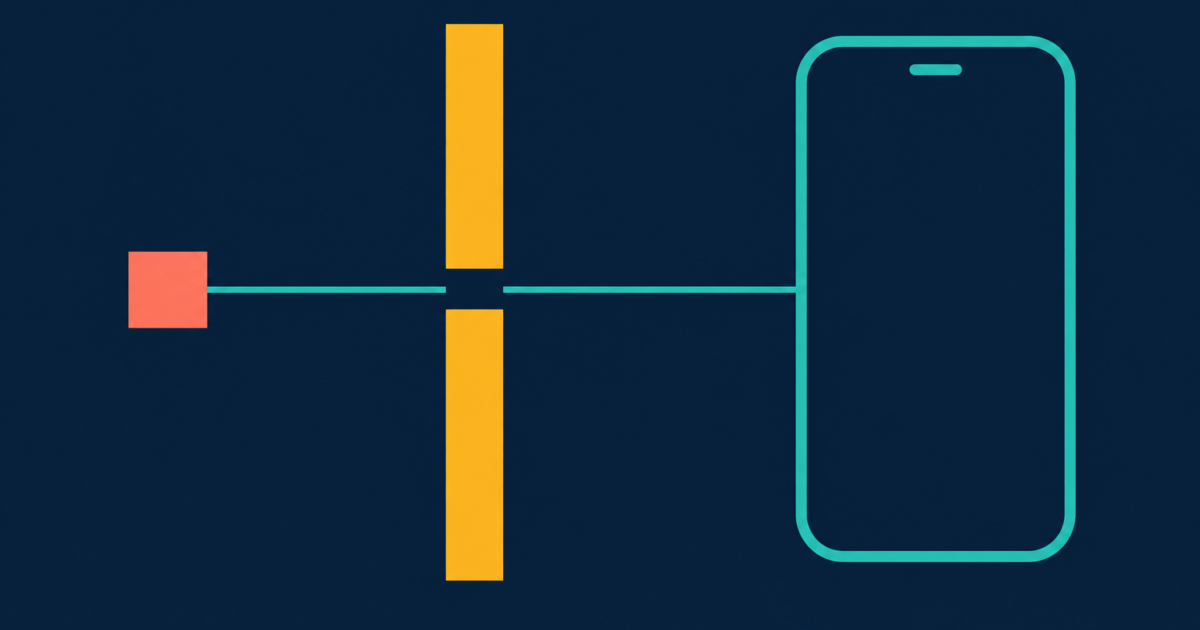
Pinky is an Apache-2.0 MCP server written in Go by DIYgod. It lets Claude Code, Codex or Cursor drive a real Android phone or iPhone, and the approval rules live in an MCP phone gateway between the agent and the phone instead of in the prompt. I read release v2026.1116.4, published 2026-11-16, and the gateway design notes at commit 237430e8707f. The repository was created on 2026-11-06 and the README calls it pre-alpha.
In this post I go over where that gateway draws the line, what I ran myself to check it, and what I would switch on before pointing an agent at a phone I care about. My answer: handing a coding agent a phone through this gateway is safer than trusting a prompt, because an agent cannot approve itself. At the default setting it only asks before payments, so you have to move the line yourself.
The project ships fast. The releases endpoint lists 162 releases between 2026-11-07 and v2026.1116.4, about 18 a day. On 14 November I counted who writes the official MCP servers, and I pinned a tag there for the same reason: “latest” means something different by supper. So every claim below names a tag or a commit.
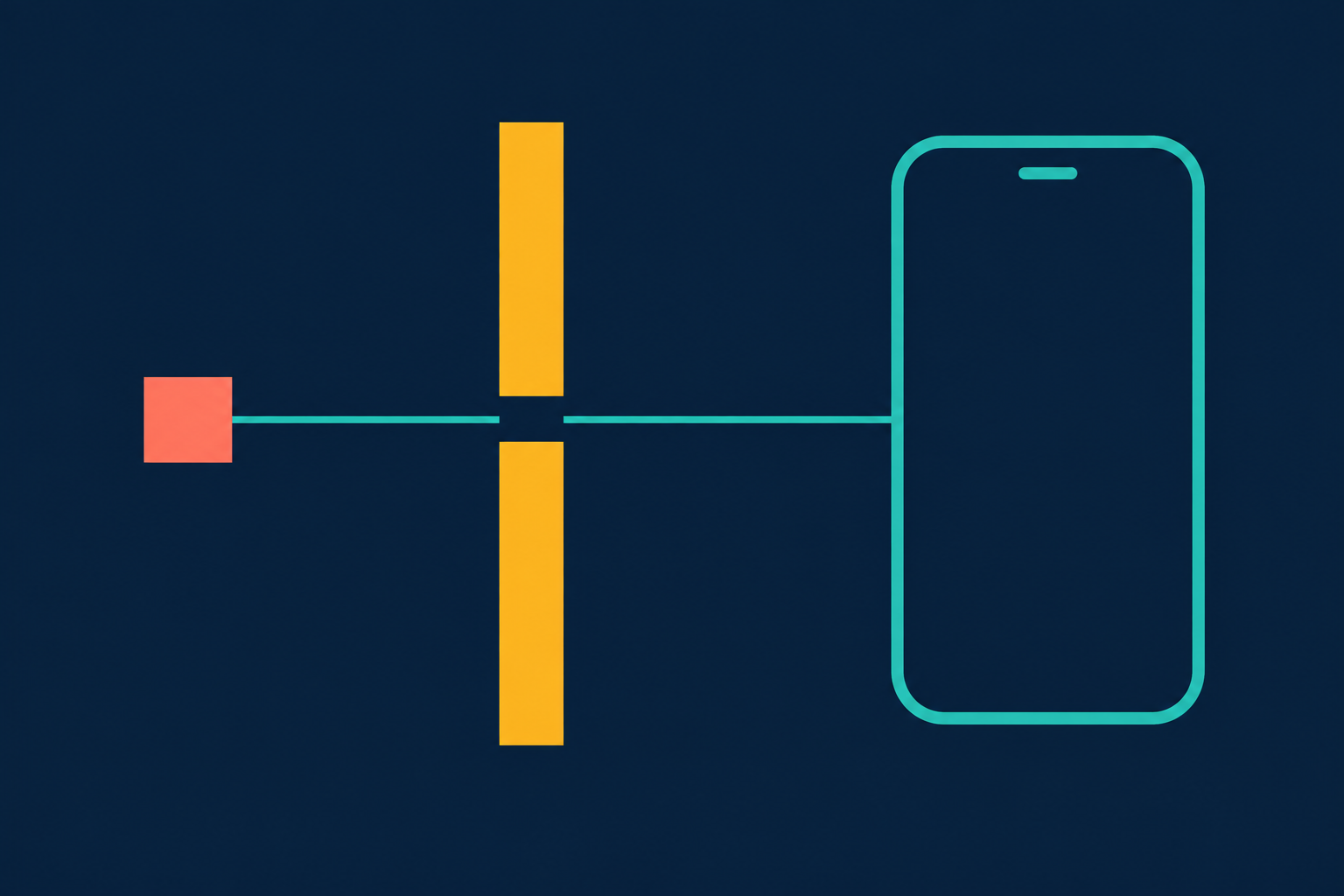
What an MCP phone gateway does between agent and phone
The notes list the pipeline in one row: lease and scope, policy, approval, execute, settle, read and diff, record. The agent never talks to the phone. It talks to the gateway, and every tap goes through those steps in that order.
Two of them matter for safety. The lease means one session holds a phone at a time. Another agent that asks gets lease_held and the name of the holder. A lease ends on release, on session close, after 10 idle minutes, on Stop, or after 60 seconds offline. The policy step sorts every action into Allow, Ask or Deny, and the strictest rule wins.
The agent gets 26 tools. The project says 20: docs/mcp.md opens with “20 tools” and so does the gateway note. I counted what the code registers at that commit, 20 in internal/mcp/tools.go and 6 in tasks.go, and docs/mcp.md has 26 ### phone_ sections. The six extra are the task tools, so the surface you are approving is bigger than the sentence says.
Where the approval line sits by default
Here is the part to read twice. The gateway has four presets, and the default, preset 2, asks before payments only. The policy source at that commit says the default was preset 1, which also asked before messages, deletions, installs, calls, links and settings changes, until 2026-11-07. The README says the same: Pinky asks before payments by default, and the rest is something you turn on in Settings, then Safety.
So an agent on a default install can send a text message from your phone without asking. Mettons the agent misreads a screen and replies to your boss. Nothing in the pipeline stops it unless you changed the preset.
What the pipeline does guarantee is how an Ask works. According to the notes, an approval lasts 60 seconds from opening and then becomes a Deny. A call that needs one blocks for 45 seconds, then returns approval_pending with a single-use id bound to the session, the device, the lease, the tool and the arguments. The phone takes no other action meanwhile, though reads still work. When you click Allow, the gateway checks again that the target and the screen text are the same, and if they are not the result is stale.
What the gateway tests show about approvals
I did not want to take that from the docs, so I built the repo at that commit with Go 1.27.3 and ran its gateway tests. Six tests matched my filter and all six passed; these three carry the claim:
TestApprovalTimeout: nobody answers, the result is denied, and the phone stays on the cart screen. The test sets the timeout to 80 ms instead of 60 s.TestApprovalPendingThenRepeat: the agent repeats the call with the id, but with other arguments, and getsinvalid_argument. The right call runs once. A second use of the same id getsinvalid_argumenttoo.TestApprovalStale: the cart changes while the approval waits, and the tap does not happen. The result shows the change, “2 × Chicken rice bowl”.
That is the project’s test suite on a fake phone, a Pixel and an iPhone that exist only in code. It shows the id binding works as written. It says nothing about a real banking app.
How the gateway decides a button is a commit
Commit detection is word-based. The word tables in internal/policy/words.go cover English, Chinese, Japanese, Korean, Spanish, French, German, Portuguese, Italian and Russian. The header comment of that file names ten languages, with Chinese in two scripts; the README says 10 and the gateway note says 11. The detector tags an action as commit, payment, send_message, install_app, open_url, call or change_setting.
I called the label check, isCommitLabel, directly with 40 button labels. Twenty were ordinary ones across those languages: “Send”, “Place order”, “Passer la commande”, “Jetzt kaufen”, “Comprar”, “Отправить”, “送信” and thirteen more. All 20 were flagged. The other twenty were things a person might actually build: “Yeet it”, “Ship it”, “Let’s do it”, “Allez-y”, “Dale”, “Los geht’s”, “Поехали”, “やってみる”, a check mark, an arrow. One was flagged, “Slide to pay”, which has its own rule. A bare “OK” is not a commit by itself: the code treats it as a confirmation and looks at the screen around it.
That function is one check among several. The gateway also looks at icons, and at the screen text around an “OK”. The README admits the rest in one sentence: Pinky finds these buttons by their labels in 10 languages, so an unusual one could slip through.
A payment button labelled “Yeet it” gives the label check nothing to match. The README’s answer is two switches, Ask before every action and Read-only mode.
What the agent cannot see or type into
Blocking works at a different layer, and it is the strongest part. Banking, wallet and password-manager apps are invisible to the agent: it gets no screen from them, and their notifications are hidden. A bundled list covers them and you can add apps. Password fields and one-time-code fields refuse typing, under a rule named credentials. One-time codes are masked before the agent reads them, so “Your code is 482913” arrives as “Your code is ••••••”.
The README’s FAQ also says an agent that needs a bank app for a task has to ask, and you can allow that one app for that one task. Screen recordings are the exception: they show codes as they were, and an agent gets one only if you allow it.
What I would switch on first
I would not start on my own phone. The README offers two safer rooms: Add phone, then Virtual phone, for an Android emulator or iOS simulator, and --fake for two scripted phones with a payment, a blocked bank app and a password field. I would run an agent there for a day first.
On a real phone, my first change is Ask before every action, then I loosen it app by app. Preset 2 is the project’s recommended default. I want the 60-second Deny to be the normal case, not the rare one.
A small last number. The README describes a “16–22 MB download”. The desktop assets I read through the GitHub API for v2026.1116.4 run from 26,511,444 bytes for the Apple-silicon dmg to 37,841,758 for the Windows zip, and the Linux tar.gz is 35,448,701. Every desktop file is above the README’s top number.
Is it safe to hand a coding agent a phone? With Pinky I would say the design is right and the default is loose. The approval rules sit in a gateway the agent cannot talk to, the id binding held in the project’s tests, and the blocked-app list covers the apps that hurt most. What you have to do is move the line from payments to everything, until you have watched it work.
