
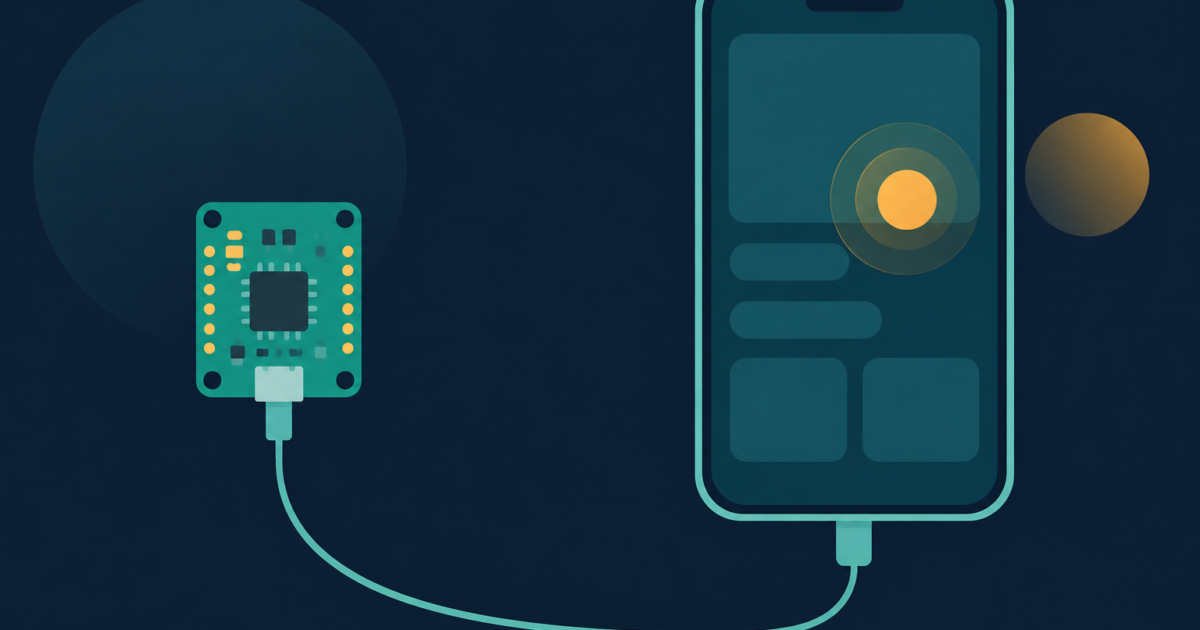
ESP32 iPhone Agent is an MIT-licensed project by a developer who goes by onehumanbeing, and it lets a vision model use a real iPhone. The hands are a roughly $7 ESP32-S3 board that plugs into the phone and pretends to be a USB mouse and keyboard. No Mac, no Apple developer account, no app on the phone, no jailbreak. The repo was created on October 11, so it is three days old as I write this.
In this post I explain how the trick works, what one task costs with a cloud vision model (I did the token arithmetic), and where it beats the usual WebDriverAgent route (Apple XCTest tooling that needs a Mac). My verdict: the idea is real and a good Saturday project, but I would not point it at any account with money on it. I did not flash a board, because I have no board and no iPhone in my sandbox. What I ran is the server’s test suite and a calculator.
Why I care: Amazon sellers live in the Amazon Seller mobile app, and “does this flow still work after the update” is a question I would love a machine to answer every morning without me renting a device farm. Mettons 20 screens, daily. A person hates that job, so it fits a robot with bad eyesight.
How does the ESP32 iPhone Agent see and touch a phone?
The eyes are AirPlay screen mirroring. The phone mirrors to UxPlay, an open-source AirPlay receiver on your computer, and GStreamer turns the stream into JPEG frames, 8 a second by default.
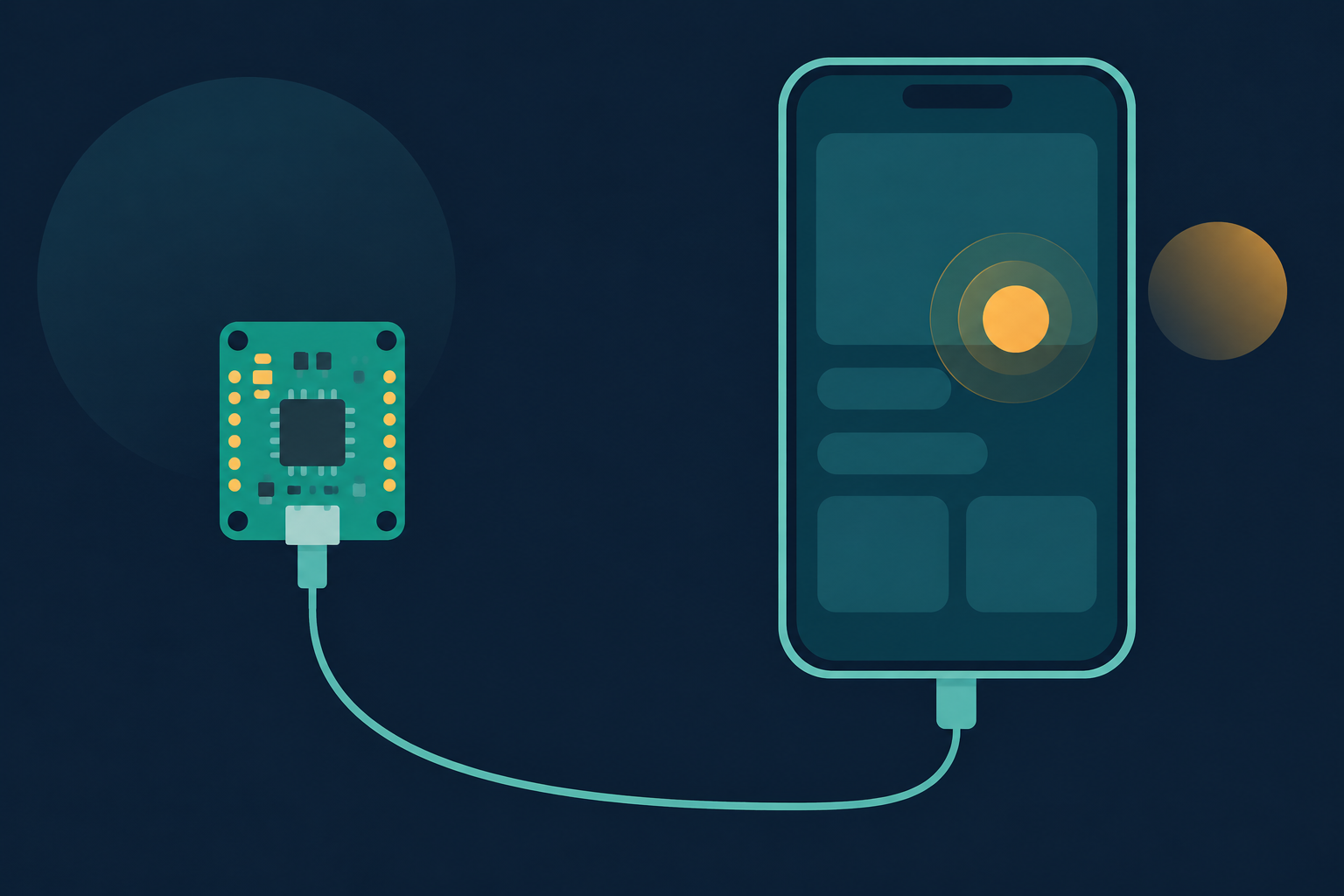
The hands are the ESP32. Plugged into the phone, it shows up as a normal mouse and keyboard. With AssistiveTouch on in iOS settings, a round pointer appears, a click is a tap and a drag is a swipe. The board holds no logic: its firmware is one 155-line Arduino file that joins your Wi-Fi and obeys one-line commands like move, click and type.
The brain is any OpenAI-compatible endpoint that takes images. A planner call writes a plan of at most six steps. Then an actor call looks at the newest screenshot and answers with a THINK: line and one to six DO: lines, coordinates scaled 0 to 1000. I fed the repo’s parser DO: tap 500 300 precise plus DO: type hello, and it returned a precise tap and a type action.
The part I liked most is the self-check. The pointer is relative, so the server wiggles it, finds it on the mirrored screen and corrects before a precise tap. After each action it compares frames, and if nothing changed it tells the model so instead of letting it build on a miss. I ran the repo’s suite with pytest in a fresh virtualenv: 28 passed in 1.45 seconds. That covers the parser, the board protocol and the screen-change detector, and not one real tap.
Is it really new, or just a neat repackaging?
The README ends with a table of about eight related projects. I opened two.
VersaiOS is the closest. It was created in March 2026 and also uses UxPlay, an ESP32-S3 and a vision model, so mirroring plus a fake mouse is older than this repo. It uses Bluetooth, and GitHub shows no license. The README says VersaiOS does one tap per instruction with no planning step or screen check. That is the author describing a competitor, and I did not read the VersaiOS code to confirm it.
mobile-mcp is the other camp. It is Apache-2.0 with 9,108 stars, and its README says it drives apps “from the native accessibility tree (no vision model, no image tokens)”. For real iPhones it lists Xcode command line tools as a requirement.
So what is new here is the wired connection, the loop that notices a missed tap, and Linux support. The repo has 1,678 stars after three days, which tells me people like the idea. A star is a click, not a code review.
My side: with a Mac and a developer account, mobile-mcp is the better bet, because reading a text tree is faster and cheaper than reading pixels. The ESP32 route wins when you cannot install anything on the phone, when the app fights automation, or when there is no accessibility tree, like a game.
What does a 20-step task cost with a cloud model?
Time first. The README’s local setup is a Qwen3.8-Flash model on two NVIDIA DGX Sparks, and the author reports about 1.3 seconds per action and 2 seconds per plan with thinking off. Author’s numbers, not mine. A 20-step task is 20 × 1.3 + 2 = 28 seconds of model time. A precise tap costs about a second more per the README, so 20 of those is 48 seconds. The default ceiling is max_steps=40, which is 54 seconds at 1.3 each.
Now money. OpenRouter’s public model list prices qwen/qwen3.8-flash at $0.15 per million input tokens and $0.47 per million output tokens; I pulled both from its API today. The token counts are my assumptions, not measurements:
- Actor prompt: 2,989 characters, counted in
agent.py, so about 750 tokens. - Goal, plan and history text: 300 to 600 tokens. History is the last 8 actions, 300 characters each.
- One screenshot: I guess 1,000 to 2,000 tokens. It depends on how the provider resizes images, and I did not test that.
- Reply: 100 to 300 tokens.
Cheap case: 2,050 in and 100 out is 2,050 × 0.15 / 1,000,000 + 100 × 0.47 / 1,000,000 = $0.000354 a call, and 20 calls is $0.0071. Expensive case, 3,350 in and 300 out over 40 calls: $0.0257. So 0.7 to 2.6 cents a task, plus the planner call.
Bon. The model bill is not the problem. The worry is a loop retrying a missed tap all night, and max_steps plus max_failures=3 stop that. Those count calls, which beats the budget cap that did not cap I wrote about last week. Cost stays linear because every call carries one screenshot, with history as short text.
What can’t the ESP32 iPhone Agent do?
From the README’s limits section, the ones that would bite me:
- iOS does not mirror passcode entry, Apple Pay or DRM video, so the agent is blind there.
- Typing is ASCII only. No accents, which is a bit insulting to a Quebecer.
- Landscape apps are not supported yet, and taps land in the wrong place.
And the thing no README line fixes: the agent sees pixels and acts with a pointer. If the model misreads a screen, it taps the wrong thing, confidently. The README’s responsible-use line says the agent “acts with your hands: watch it, and keep the emergency stop within reach”. For Trellis that means a test phone with a test seller login and nothing that can spend money. Me, I would never run this unattended on a real seller account.
Should you build an ESP32 iPhone Agent this weekend?
Build it if you are a QA person or tinkerer with a spare USB-C iPhone, a Seeed XIAO ESP32S3 (the README names that exact board, plain version), and a Mac or Linux box on the same 2.4 GHz Wi-Fi.
Skip it if you need reliable CI. A wiggle-calibrated pointer and a Wi-Fi link in the middle are a lot of places for a flaky Tuesday. Skip it too if mobile-mcp already works for your app.
What I do not have is the number I want most: how often a tap misses. With HIDAGENT_DEBUG=1 the repo saves steps.jsonl and the screenshot behind every step, so I can count the actions where the screen did not change and divide by the total. I need a $7 board and an old iPhone for that, and the first test will be 20 runs of “open Settings and go to Wi-Fi”.
