
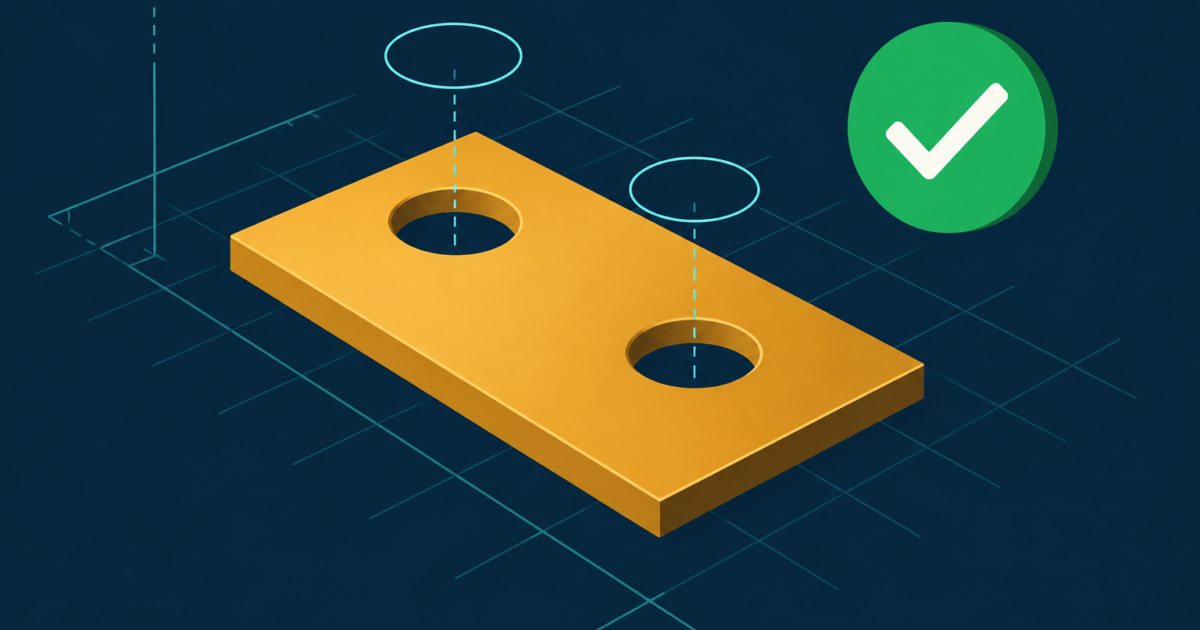
SolidCraft is an open-source parametric 3D CAD application written in Rust, released under Apache-2.0, and it ships a built-in MCP server you start with solidcraft-cli mcp. An AI agent connected to it can sketch, extrude, fillet, measure and export real solid parts, headless, no GUI and no GPU. The repo was created on October 7, 2026, and v0.12.0 came out on October 15, one day after v0.11.1.
In this post I go over how to hook SolidCraft MCP to Claude Code, what the 15 tools look like, what I measured on a small machine, and the one trap I hit: a cut that returned ok: true and removed nothing. My verdict: the MCP design is better than most I have seen, and the trap is a lesson for anybody who builds agent tools, because “OK” only means the command was parsed.
I tested v0.12.0 on a 4-core Intel N95 mini PC. No LLM drove these tests: I scripted every JSON-RPC call myself, so this tests the server, not how well a model uses it.
How do I connect SolidCraft MCP to Claude Code?
Download the Linux tarball from the v0.12.0 release page and check it against the SHA256SUMS.txt next to it. Mine matched. The README says the downloads are not signed yet, so the checksum only proves you got the file the project published.
Then two commands:
tar -xzf solidcraft-0.12.0-linux-x86_64.tar.gz
claude mcp add solidcraft -- ./solidcraft-0.12.0-linux-x86_64/bin/solidcraft-cli mcp
The project’s MCP docs cover other clients, and anything that speaks the Model Context Protocol over stdio should work. The server listed 15 tools, among them list_commands, execute, batch, measure, set_parameter, export and undo.
Notice the shape. Two tools do the writing (execute for one command, batch for many), and list_commands hands the agent the whole command registry so it does not guess names. Me, I like that: a small surface with a big vocabulary behind it, instead of 80 tools flooding the context window.
What does SolidCraft MCP do well?
Speed first. The repo ships examples/bracket.json, a 12-command L-bracket with a fillet and two holes. I sent all 12 in one batch call. On v0.11.1 it took 83 ms. On v0.12.0 I saw 59 ms and 75 ms in two separate runs, on a small mini PC. The STEP export was 8,856 bytes.
Its built-in bench-agent stress run on v0.11.1 did 1,260 commands and built 1,280 bodies with zero feature errors, in 63.8 seconds. One machine, one run, so read it as “it does not fall over,” nothing more.
Safety is the part I did not expect. I asked the server to export to /etc/cron.d/evil.step, to open /etc/passwd, and to write through a path with .. in it. All three were refused, with the list of folders the agent may use. You add folders yourself with --allow-path, which is the right default for something an LLM will drive.
The tools also carry annotations. measure, inspect_design and body_topology are marked read-only; export, save, open and new_design are marked destructive. A client can use those hints to decide what to ask a human about.
Bon. That is the good part. Now the trap.
Why did the cut return ok: true and leave the part without holes?
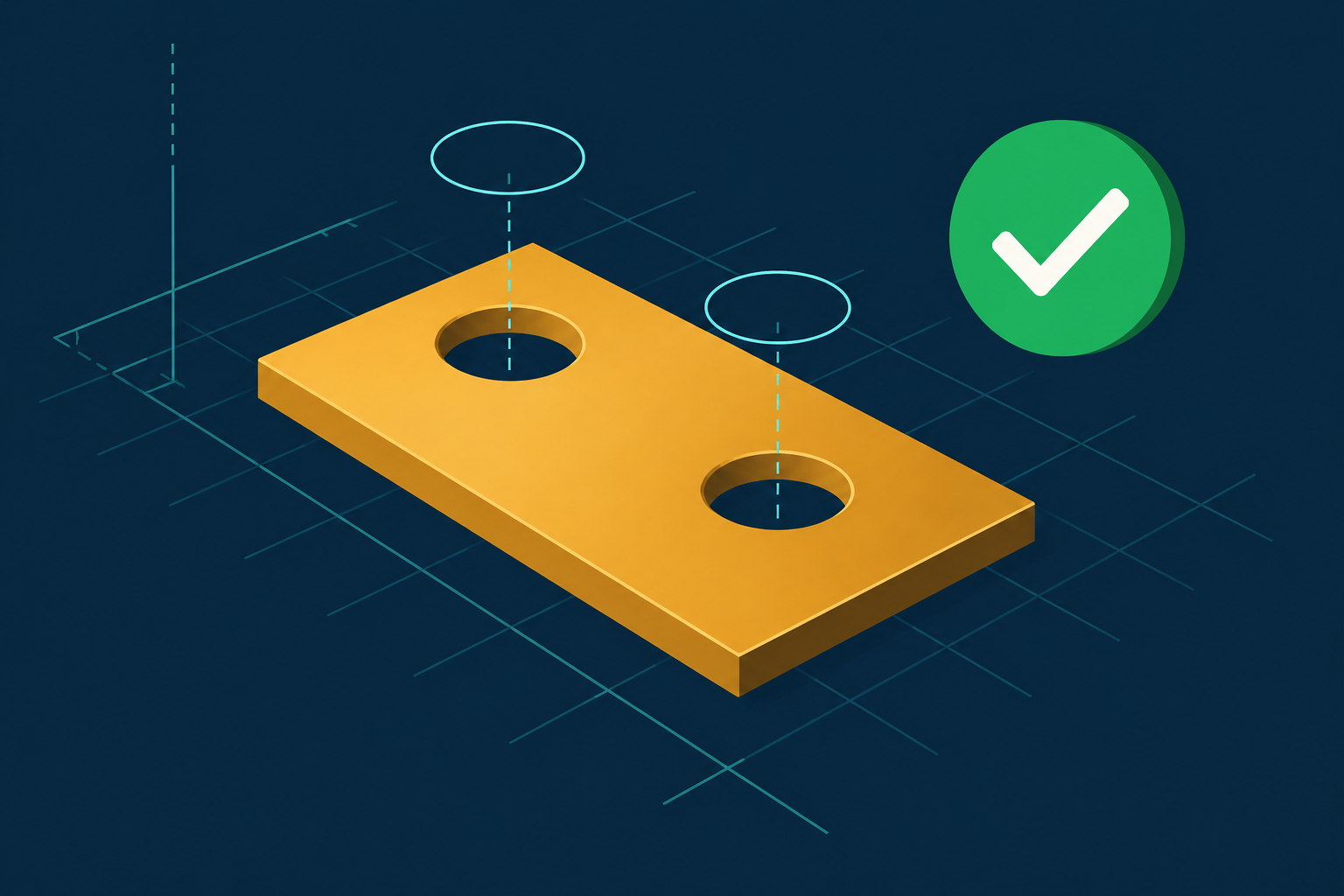
The bracket example ends with a solid.extrude cut that drills two 8 mm holes. I ran the repo’s file as it is (identical to the version on GitHub, I checked). The batch came back ok: true, 12 of 12 completed. The last result said "changed_bodies": [] and "warning": null.
Then I called measure: 22,988.5 mm³, 29.66 g, 9 faces, one cylindrical face (the fillet). No holes. The tool said OK and the part had no holes.
Why? The bounding box tells you: the body spans y from -60 to 0, and the example’s hole circles sit at y = +15 and y = +45. They are outside the part. The cut ran against empty air and succeeded. The bad hole position is probably a mistake in the example file, not the server. But the server saw a cut that removed zero material and raised no warning, and that is the part I would fix.
I moved the circles to y = -15 and -45 and tried both extrude directions. With direction: "positive" the answer was:
"changed_bodies": ["Bracket"], "warning": nulland then measure: still 22,988.5 mm³, 9 faces. The tool reported the body as changed. It was not. With direction: "negative" the holes were cut: 22,385.3 mm³, 11 faces. Hand maths for two 4 mm-radius holes through 6 mm of plate: 22,988.5 − 2 × π × 4² × 6 = 22,385.3. It matches, so the geometry kernel is right. The report on top of it is the problem.
I ran all of this on v0.12.0 on October 15, since the project ships so fast. Not fixed: same outputs, same volumes. If it is fixed when you read this, good, but keep the lesson.
What should I do about it if I build MCP tools?
Three rules, and I take them from this bug.
First, treat ok: true as “the command parsed.” Nothing more. If your tool changes the world, return what changed: before and after volume, row count, price. A diff, in numbers. SolidCraft already computes volume and face count in measure, so the cut result could carry the delta, and a cut that removes 0.0 mm³ would speak for itself.
Second, give the agent a read-only way to check. measure is exactly that, and it is why I caught this at all. An agent that trusts the cut result ships a bracket with no holes and tells you it is done.
Third, make the zero case loud. A write that matches nothing is almost always a mistake. The warning field already exists here, it is just empty for this case.
At Trellis this is not a CAD problem. Mettons a price-change tool returns ok: true because the request was well formed, and the listing still shows the old price because the SKU was wrong. I made that scenario up, but the shape is real, and I wrote about a cousin of it in my post on AI ad campaigns, where a loop that could not see its own past writes cut a $100 budget down to $42.19. Any tool an agent uses to edit listings, bids or prices should return a diff and have a read-only twin to confirm it.
Who should try SolidCraft MCP, and who should wait?
Try it if you build MCP servers and want to read a well-structured one, or if you design enclosures and want an agent to adjust parameters (set_parameter changed my bracket’s width from 60 to 100 mm and the part rebuilt: 22,988.5 mm³ and 29.66 g became 38,314.1 mm³ and 49.43 g on the next measure). One thing I hit: v0.12.0 wants the argument called value, where v0.11.1 took expression. The error said so plainly, but a script from last week breaks this week.
Wait if you need it for production work today. The repository is eight days old, and on October 15 GitHub showed 359 open issues and 2,677 stars. A star is a click, not a code review. Downloads are unsigned and releases come fast, so pin a version and put a measure check after every cut.
What I did not measure
No model drove the server, so I do not know how well Claude picks the cut direction when nobody tells it. I tested the headless server only, not the GUI bridge. The stress numbers are from v0.11.1, one run each. I did not read the Rust source, so I cannot say if the silent no-op is a missing check or a design choice.
Next I want to let a real model build the bracket from a plain English description, with and without a rule to call measure after each cut, and count how often it ships a part with missing holes. If the answer is “never,” I will say the trap is smaller than I made it sound.
